So what is an AI skill?
A set of instructions you install into your AI tool once, so it knows exactly how to help and you never have to re-explain yourself.
- You explain your business each time you start
- It guesses at your colors, fonts and voice
- Each new client starts from a blank page
- You say "set up my Client Welcome Kit" and it reads your website first
- It asks a few quick questions about how you work, then builds all three pieces
- It saves your brand and process, so every new client takes about five minutes
Install it in your AI tool
Three steps, about a minute, and you only do it once. The file works in both tools, so pick the one you already use.
- Download the .skill file
Leave it as it is in your Downloads folder. No need to unzip it.
Download the AI skill - In Claude, open
Customize, thenSkills, and upload itAdd a new skill and drop in the
Open Claude ↗.skillfile. Claude takes it from there. Skills work on Claude's free plan too. - In ChatGPT, open the
Skillsarea and upload itAdd a new skill and upload the
Open ChatGPT ↗.skillfile from your computer. Skills in ChatGPT need a Plus plan. - Start a new chat
Then paste the prompt below. That's how your AI knows to use this skill.
Menus look different? AI apps update their settings a lot. If your screen doesn't match, search "how to add a skill in Claude" (or ChatGPT) for the newest steps, or just ask your AI where skills live now.
Start with this prompt
Paste it into a new chat and swap the brackets for your details. Then tap through a few quick questions. Messy answers are totally fine.
Set up my Client Welcome Kit.
My website is [your website link]. I'm a [what you do], and my next client is [client name and project, or "just show me a sample"].
A welcome PDF, an old email, your contract's timeline. Drop them into the same chat and it'll read them first, then only ask about the gaps.
Have these things handy
None of it is required. Having it nearby means fewer questions and a faster first hub.
It pulls your colors, fonts and voice from it, so you skip the brand questions.
Even a rough list works: kickoff, content, design, review, launch.
Logos, photos, copy, logins. The things you end up asking for twice.
Three or four is plenty. They become your FAQ.
Three pieces, all in your brand
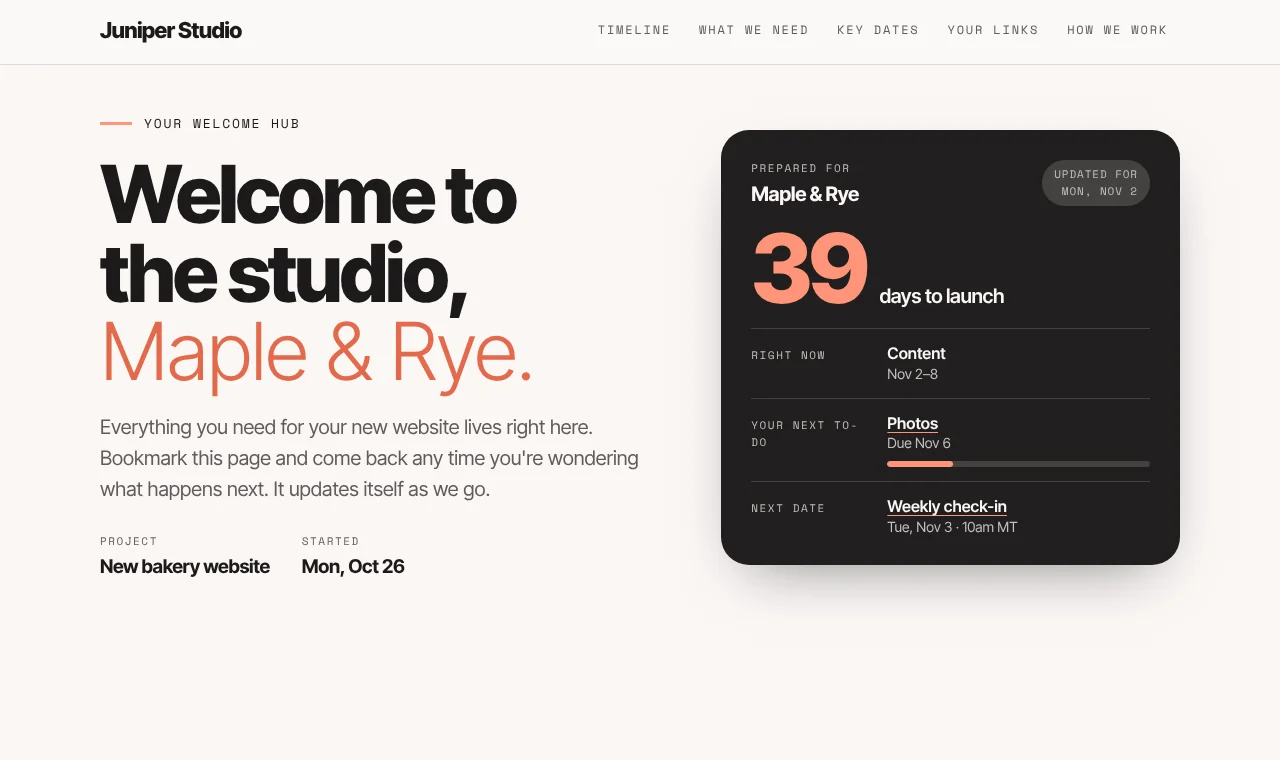
Your client welcome hub
One shareable page that keeps itself current: timeline with "you are here", your checklist, dates with add-to-calendar, every link, how you work and one next step.
The welcome email
Short and warm, in your voice, with the hub link and the very first thing to do.
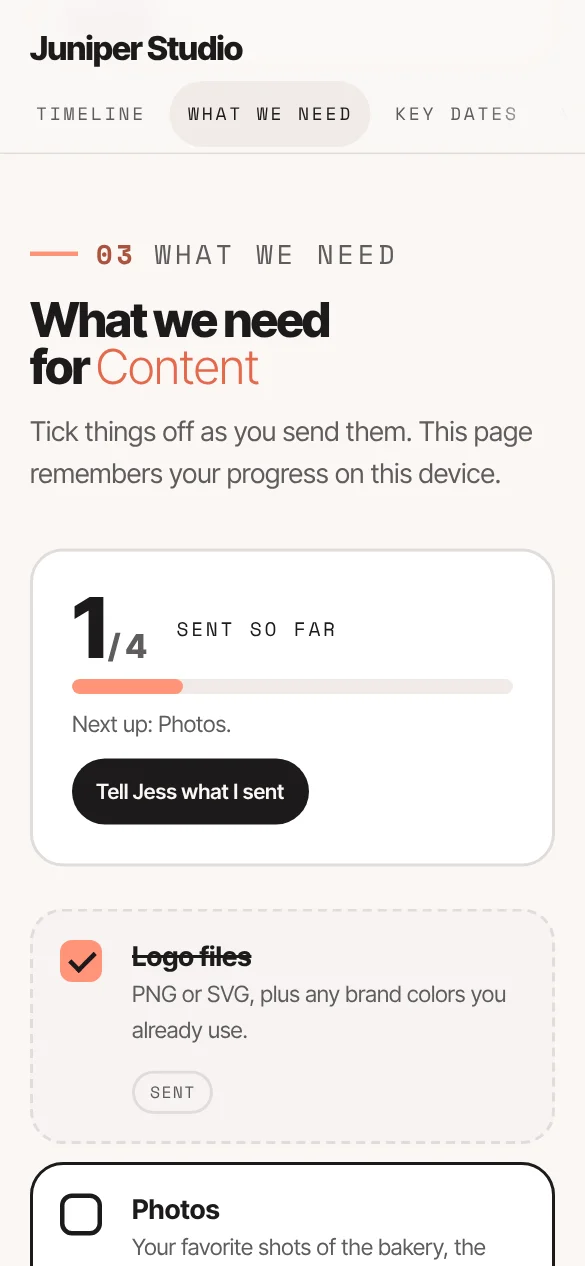
Your content checklist
Every file, login and answer you need, with due dates, so nothing gets chased twice.